How to Get Free RDP for Lifetime (Updated for 2026)
Here is how to get free RDP for lifetime. When you see this topic, you may feel that this article is clickbait. If you thought so, you are wrong. Today, we will show our visitors how to get free RDP for lifetime. You can find more guides on our website.
Before we start, let us tell our visitors a few basics:
What Is RDP?
According to Wikipedia, “Remote Desktop Protocol (RDP) is a proprietary protocol developed by Microsoft, which provides a user with a graphical interface to connect to another computer over a network connection. The user employs RDP client software for this purpose, while the other computer must run RDP server software.”
The Benefits of Getting Free RDP
You should know the benefits of a free RDP account, so you can see that it is not useless but actually very useful. Here are some benefits worth a look:
- If you already have an RDP account, you can create a better connection between computers.
- You don’t have to pay to get an RDP account. Just follow the instructions and you are done.
- You can set up or manage your computer, including data encryption and how your computers are used.
- You will learn more about computer connections and other related things.
How to Get Free RDP
Now you have an idea of what RDP is and the benefits of free RDP. Let’s get started. We will use AppOnFly to get free RDP for lifetime.
AppOnFly is one of the websites that provide free RDP, but not with full access. There is a limit on browsing, and the trial lasts 30 days.
Steps:
Note: You must be connected to a German IP address, otherwise you will have to enter credit card details for the trial. You can read here if you want to get a VPN for free.
- Open the AppOnFly website.
- Click on Try it Free.
- Enter any email address and click Start Free Trial. (It does not need to be a valid email address.)
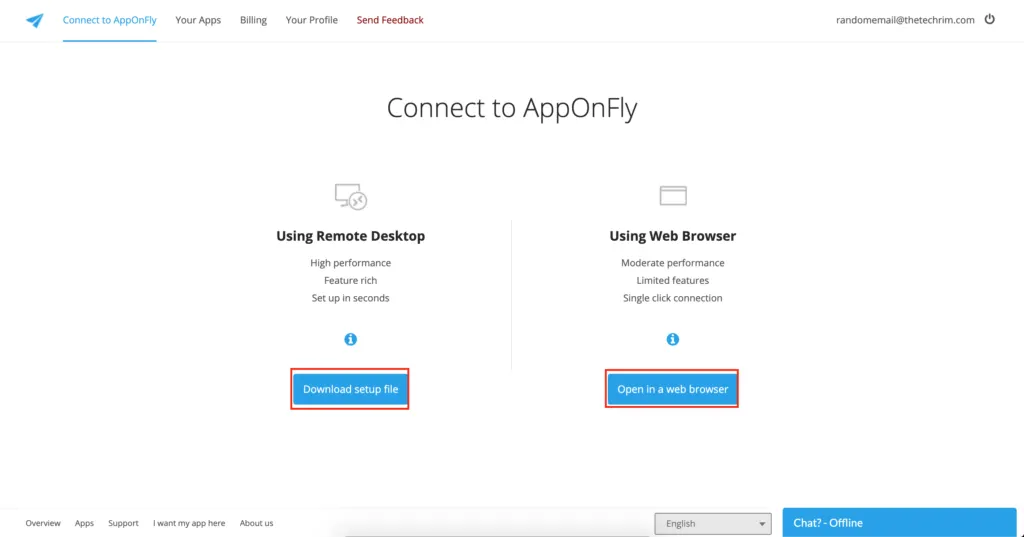
- After clicking Start Free Trial, click Download Setup File and it will download a .rdp file. If you want to open the RDP in your browser, you can simply click Open in Browser.
How to Get Free RDP
- If you click Download Setup File, you will be taken to the next window, which downloads the .rdp file and gives you a username and password for the RDP.
You can test the RDP we created in this post by downloading the .rdp file from here.
The username and password for the .rdp file are in the screenshot above.
Note: This .rdp file is valid for 30 days from the date of posting, and you can’t install any third-party app in the RDP.
This is not the end of the article. As mentioned in the title, we are going to share the method to get RDP for lifetime. You can repeat the steps above to get free RDP every 30 days, but why do that if you can get it for lifetime in a single set of steps? Keep reading if you want to get free RDP for lifetime.
Steps:
- Go to vps.apponfly.com
- Press F12 on your keyboard to open Inspect Element.
- Go to the Network tab.
- Click the forward arrow on the screen and solve the captcha.
- Click Others and then Headers.
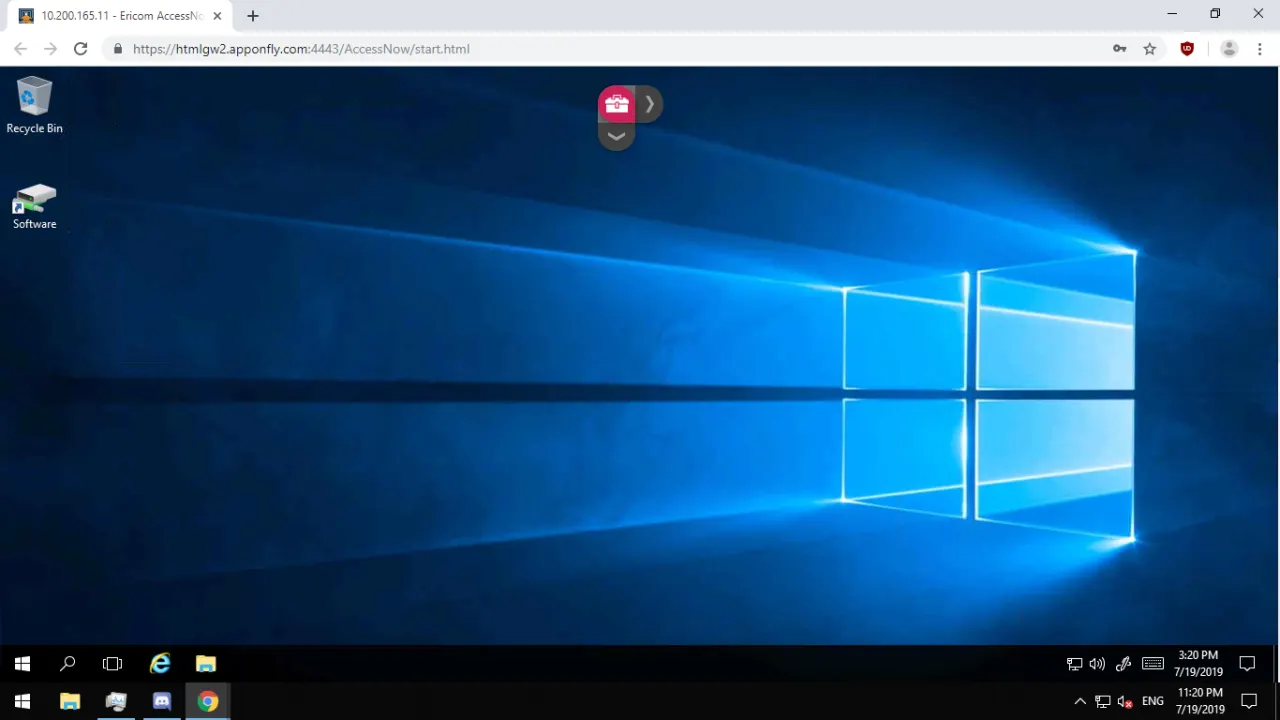
- We now have the username and password for the RDP. We simply have to go to https://htmlgw2.apponfly.com:4443/AccessNow/ and enter the username and password.
That’s it. We now have access to the RDP.
We hope you enjoy this article.