Perfect Conversion: Use This Function from GogoPDF
In this guide
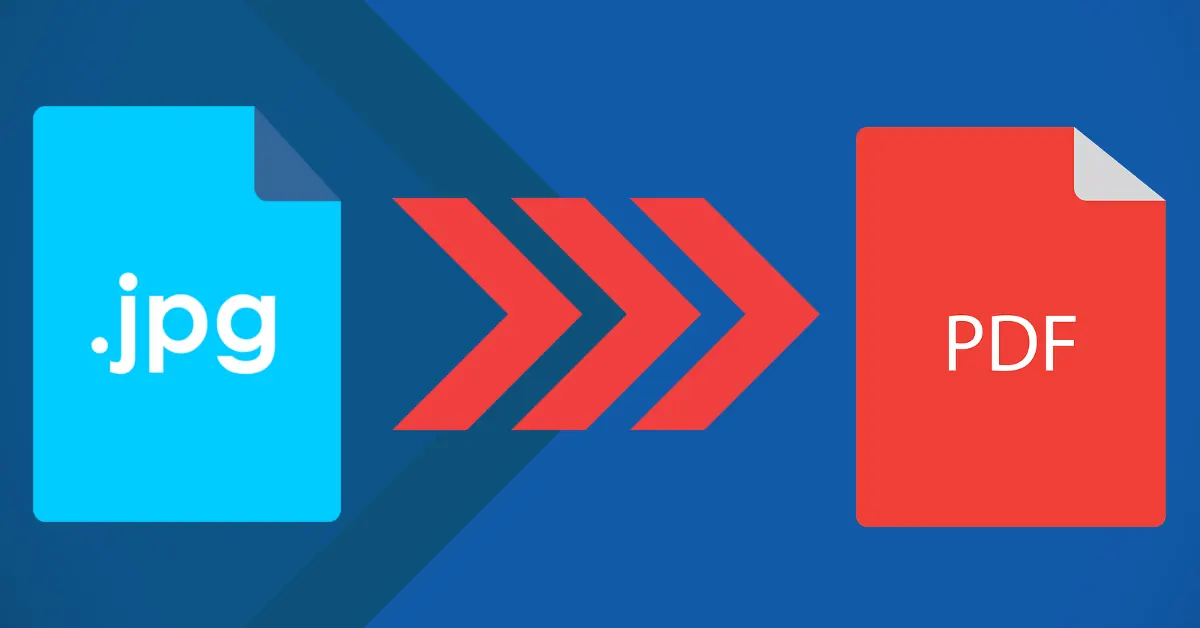
GogoPDF is a web-based platform that people can easily access in a browser. It offers various PDF management tools, especially the JPG to PDF function. With this online feature, users can easily convert their image files into PDF documents in a few clicks.
The process is straightforward, and your files are also safe with GogoPDF because it removes them from the server after one hour. Here’s how to use this conversion tool from GogoPDF.
A No-Hassle Conversion Process
GogoPDF’s convert JPG to PDF function can help anyone organize the images in their library efficiently. This online software can combine different photos into one PDF document and automatically rotate, scale and optimize your image files while keeping their quality and original resolution.
To make the process more convenient and faster, this GogoPDF function supports “drag and drop”, so you can convert and add documents without hassle. It also saves you stress if you have image files you cannot manage one by one. Try the JPG to PDF conversion tool and manage your documents easily.
If you want to organize lots of JPG files but do not know which tool to use, GogoPDF offers a very handy function. It can merge multiple JPGs into a single file or convert JPG data into a PDF document. To use it, drag the files you want to transform into the conversion bar. After you convert your file, you can download it to your PC. Here’s the most straightforward way to do it:
- Upload the JPG file from your computer or drag the document to the conversion bar.
- Choose the output format you want from the options, then click the button to start the process.
- The tool will then process the file quickly.
- Download the converted document to your PC, or copy and share it on social media platforms.
Every Process Is Done in the Cloud
Since this GogoPDF function works online, you don’t have to install any software. Everything you do to your documents happens in the cloud and won’t use your computer’s hard drive space. There is no watermark and no online registration, and the file size is unlimited.
Supports Different Image Formats
This online function works as a complete image to PDF conversion package. In other words, you can convert other image file formats too, not just JPG. It can convert PNG, TIFF, BMP and GIF formats.
Speedy Processing
Users can convert their JPG documents in less than 30 seconds with this GogoPDF function. They only need to upload their JPGs into the conversion bar to quickly turn them into PDF documents. Once your file has uploaded, you can still adjust its margins, size and orientation to suit the output you want.
Supports Every Platform
This GogoPDF conversion tool is compatible with different operating systems, such as Mac, Linux and Windows. People can also use web browsers like Firefox, Chrome, Safari and more.
Takeaway
GogoPDF is an excellent help if you want to convert your JPG files into PDF documents. The process is straightforward, and even a beginner won’t be confused by it. Besides the convenience it offers, you can be sure that your files keep the same quality as the originals and remain confidential.