Best Free PDF Reader for Windows: Adobe Reader Alternatives Compared
In this guide
- Microsoft Edge: the reader you may not need to install
- Firefox and Chrome: more built-in PDF tools
- SumatraPDF: small, open source and portable
- Okular: KDE's universal document viewer
- PDF-XChange Editor: a free mode with a watermark rule
- Foxit PDF Reader: free forms and signatures
- Adobe Acrobat Reader and its alternatives
- Which one should you use
- FAQ
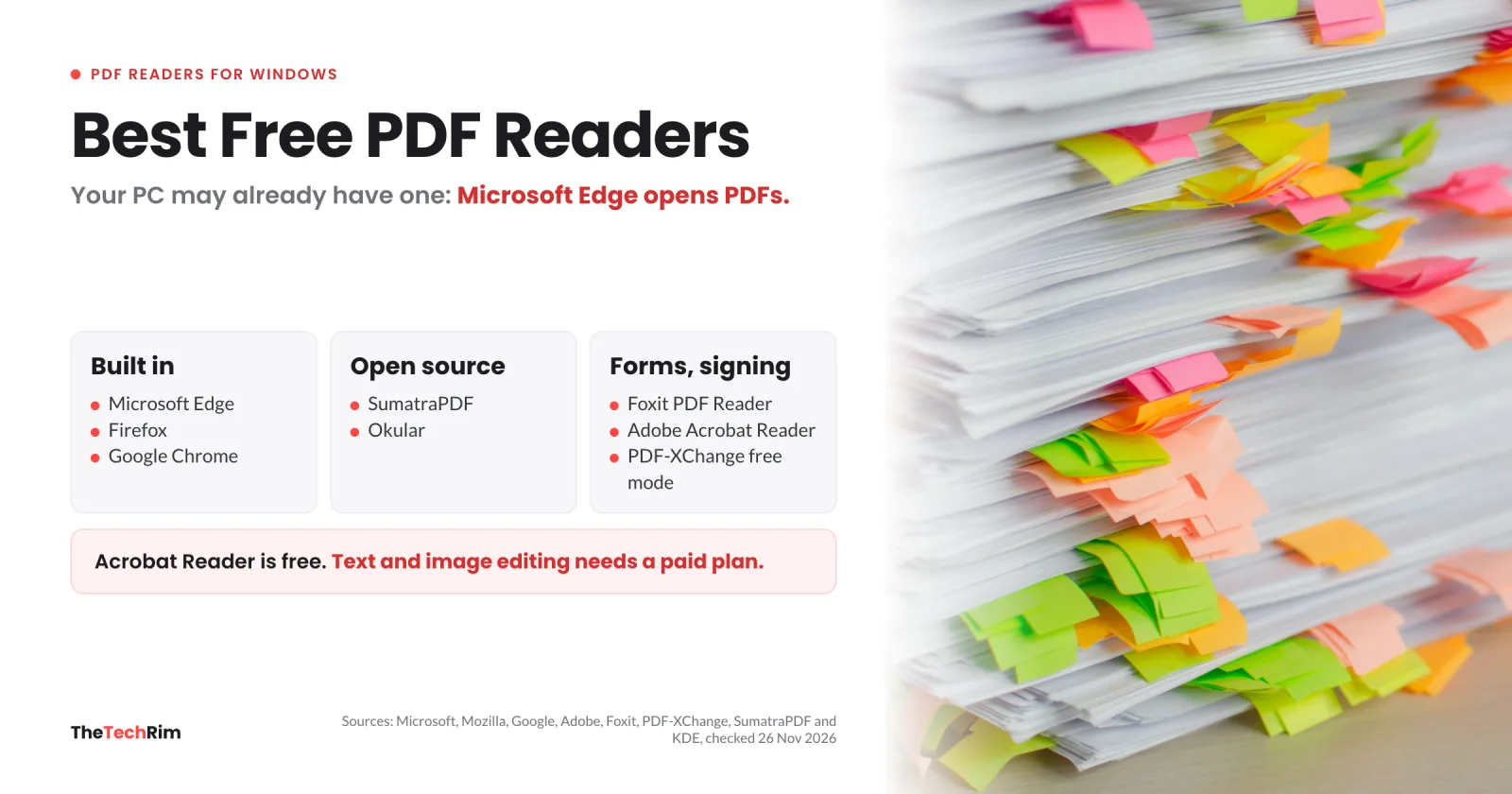
The best free PDF reader for Windows may already be on your PC: Microsoft Edge opens PDFs and lets you highlight, draw, add notes, fill basic forms and have pages read aloud. For a separate app, pick SumatraPDF for a small open-source reader with a portable version, Foxit PDF Reader or Adobe Acrobat Reader for filling and signing forms, and PDF-XChange Editor's free mode for OCR and digital signatures. Okular is another open-source option, and unlike stable SumatraPDF it fills PDF forms.
Every fact below comes from the developers' own pages and from Microsoft, Mozilla and Google help pages, checked on 26 November 2026, when the current stable releases were SumatraPDF 3.6.1, PDF-XChange Editor 11.1.2.0 and Foxit PDF Reader 2026.2.1.
| Reader | Cost and licence | Platforms | Best at | Main limit |
|---|---|---|---|---|
| Microsoft Edge | Built into the browser | Windows, macOS (PDF reader) | Ink, highlights, notes, read aloud | No JavaScript or XFA forms (per Microsoft's 2024 page) |
| Firefox | Built into the open-source browser | Windows, macOS, Linux | Forms, signatures, merging and reordering pages | Signatures are not legally binding e-signatures |
| Google Chrome | Built into the browser | Windows, macOS, Linux, ChromeOS | Annotating, filling and signing, OCR on scans | You download a copy to keep edits |
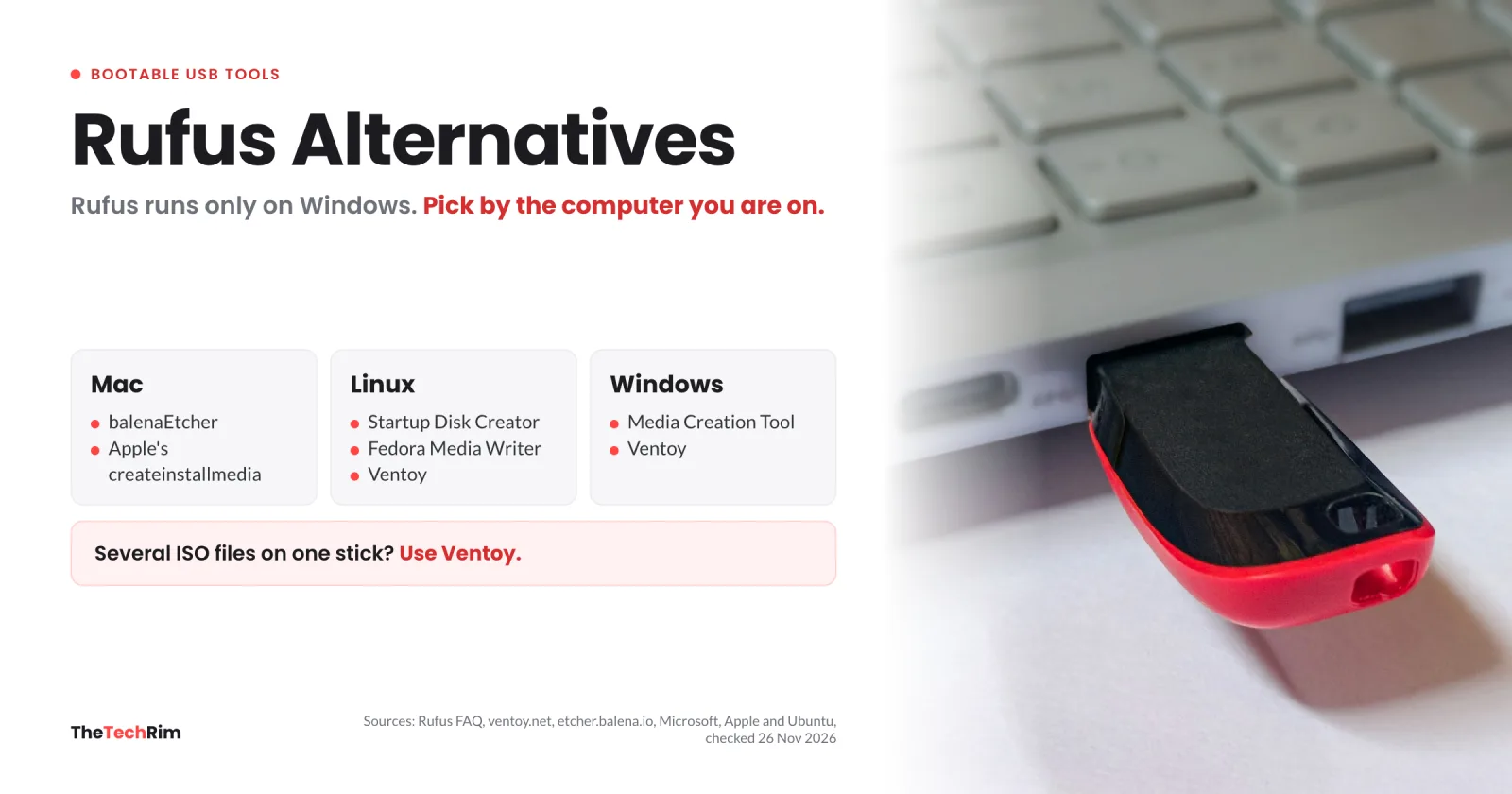
| SumatraPDF | Free, open source (GPLv3) | Windows 7 to 11, Mac (M1 or later) | Many formats, portable use | Forms and signing only in the 3.7 pre-release |
| Okular | Free, open source (GPL-2.0 or later) | Windows (Microsoft Store), Linux, macOS (nightly builds) | Many formats, annotations, forms | Only the Store build is tested on Windows |
| PDF-XChange Editor | Free mode for private and commercial use | Windows 10 and later | Annotation, OCR, digital signatures | Licensed features watermark output |
| Foxit PDF Reader | Free | Windows, macOS | Filling and signing forms | No text editing, OCR or Office conversion |
| Adobe Acrobat Reader | Free, no subscription | Windows 10 and 11, macOS, iOS, Android | Forms, signing, comments | Text and image editing needs a paid plan |
Microsoft Edge: the reader you may not need to install
Microsoft says Edge has a built-in PDF reader for local, online and embedded PDFs on Windows and macOS. You can annotate with ink and highlights, attach text notes, and use read aloud, which highlights the text being read. Microsoft's Edge feature page adds an Add text tool and says you can save a copy with your highlights and markings. Edge can also view and validate certificate-based digital signatures. Since version 156 (October 2026), Edge uses its newer built-in reader powered by Adobe Acrobat's PDF rendering engine, which Microsoft says brings no loss of functionality.
The limit is forms: Edge does basic form filling, but Microsoft's PDF reader page, last updated in July 2024, lists JavaScript forms and XFA, a legacy form format, as unsupported.
Firefox and Chrome: more built-in PDF tools
Mozilla's Firefox PDF viewer guide says you can fill text fields, check boxes and radio buttons, add text, draw, highlight, comment and insert images. You can also merge another PDF into the open one and reorder, copy, delete or export pages. Firefox adds a signature you type, draw or upload as an image, but Mozilla warns these "are not legally binding e-signatures".
Google's Chrome help says its viewer can highlight, annotate, draw, add text, and fill out and sign paperwork. It runs OCR on scanned PDFs so you can search and copy their text, on your device without sending data to Google. To keep edits, download the file with your changes.
SumatraPDF: small, open source and portable
SumatraPDF is open source under the GNU GPL version 3, and its homepage promises "no ads, no bundled software, no subscription". Besides PDF it opens EPUB, MOBI, CBZ and CBR comics, DjVu, XPS, CHM and common image formats. The SumatraPDF download page offers version 3.6.1 in 64-bit and 32-bit builds for Windows 7 to 11 and an ARM64 build for Windows 10 or 11, each as an installer or a portable .zip that runs from a USB drive without registry writes. The 64-bit installer is 10.56 MB.
Annotation arrived in version 3.3. Select text and press a to highlight it, or add underlines, strike-outs, notes and stamps, then save into the PDF with Ctrl+Shift+S. The limit: form filling, digital signing and Read Aloud are documented as pre-release 3.7 features, not part of stable 3.6.1.
Okular: KDE's universal document viewer
Okular comes from KDE and is licensed GPL-2.0 or later. KDE recommends the Microsoft Store for Windows, where it is listed as free from KDE e.V. It reads PDF, PostScript, TIFF, DjVu, DVI, XPS, EPub, FictionBook, comic books and images. Its handbook describes highlighter, underline, note, freehand, stamp and typewriter annotations that you can save into the PDF, plus a Show Forms option for filling form fields.
The limit is the install route: KDE says the Store version has been tested by its developers, while the other Windows builds on its site are untested nightly builds. The Store listing gives an approximate size of 828.8 MB.
PDF-XChange Editor: a free mode with a watermark rule
PDF-XChange Editor is a paid editor with a free mode. Its demo limitations page says the free version "is free for both private and commercial use, provided it is not bundled with other software for financial gain." The product page counts 257 free features and 145 licensed ones.
Free features include highlight, strikeout, sticky note, typewriter and freehand annotations, OCR, digital signatures, and a FreeSign tool for signatures and initials. Licensed features are marked in the menus. You can still use them, but "watermarks will be present on output content", and the vendor says those watermarks cannot be removed without a licence. Licensed features include editing document text, creating fillable forms, deleting, inserting or rotating document pages, and converting to Word, so try them on a copy. Version 11.1.2.0 runs on Windows 10 and later, with 64-bit, 32-bit, ARM64 and portable downloads.
Foxit PDF Reader: free forms and signatures
Foxit says its PDF Reader is free for reading, reviewing, filling existing PDF form fields and adding your signature, on Windows and macOS. Reading and annotating need no account. An optional free Foxit account adds AI tools with 300 shared credits a month. Foxit's version history lists 2026.2.1, released on 23 September 2026, as the latest.
The limit is editing. Foxit lists editing PDF text and images, converting PDFs to Office formats, OCR and permanent redaction as Foxit PDF Editor features, not Reader ones.
Adobe Acrobat Reader and its alternatives
Adobe Acrobat Reader is free to download and use with no subscription, on Windows 10 and 11, macOS, iOS and Android. Adobe's Acrobat Reader page says you can view and print PDFs, add comments, highlights, sticky notes and free-text annotations, fill out and save forms, and sign by drawing, typing or uploading an image of your signature.
Reader's main limit is editing. Adobe says text and image editing "is not available in Acrobat Reader and requires an Adobe Acrobat Standard or Adobe Acrobat Pro subscription". Acrobat Pro adds tools to create and convert PDFs, send and track unlimited e-signatures, compress files and secure documents. Organisations that distribute Reader over a company intranet or local network also need Adobe's Distribution License Agreement, though Reader itself stays free.
For reading, commenting, filling and signing, Foxit PDF Reader, Firefox and Chrome list the same jobs as free, and Firefox adds page merging and reordering. To change existing text, PDF-XChange treats it as a licensed feature that watermarks output, and Foxit and Adobe keep it for their paid editors.
Which one should you use
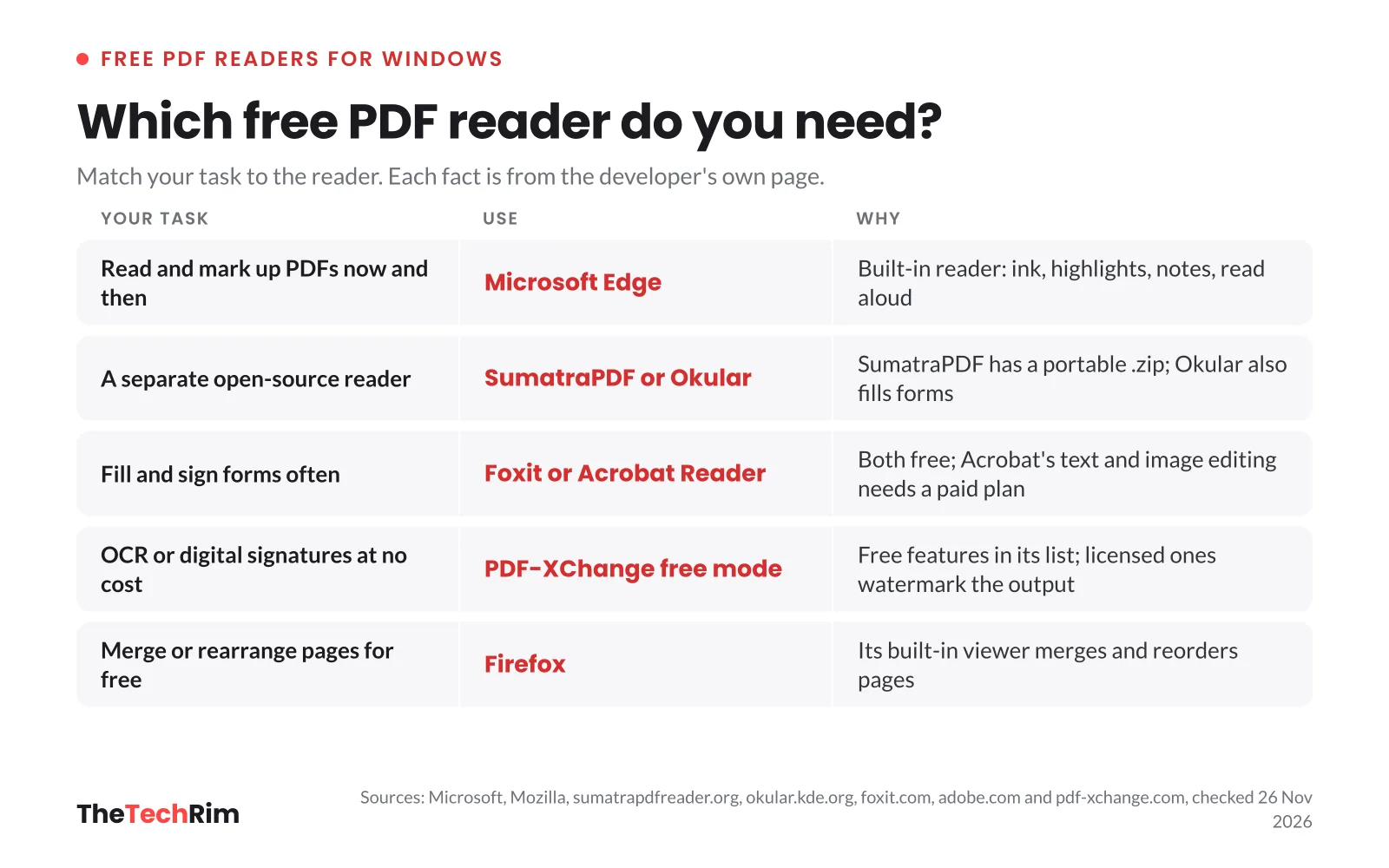
- You read and mark up PDFs now and then. Use Microsoft Edge, or the viewer in Firefox or Chrome if that is your browser.
- You want a separate open-source reader. Use SumatraPDF, or Okular if you also need to fill forms.
- You need a reader on a USB drive. Use SumatraPDF's portable .zip.
- You fill and sign forms often. Use Foxit PDF Reader or Adobe Acrobat Reader.
- You need OCR or digital signatures without paying. Use PDF-XChange Editor's free mode and avoid licensed features.
- You need to merge or rearrange pages for free. Use Firefox.
FAQ
What is the best free PDF reader for Windows 11?
Start with Microsoft Edge, which handles highlights, ink, notes, basic forms and read aloud. For a standalone app, SumatraPDF is free, open source and available as a portable build.
Is there a free Adobe Reader alternative that can sign PDFs?
Yes. Foxit PDF Reader lets you add your signature for free, and PDF-XChange Editor's free mode adds digital signatures. Firefox places a typed, drawn or image signature, but Mozilla says it is not a legally binding e-signature.
Does the free PDF-XChange Editor add a watermark?
Only when you use a licensed feature. Those are marked in the menus, and the watermarks cannot be removed without a licence.
How do I change the default PDF reader in Windows?
Open Settings > Apps > Default apps, type .pdf in the search box, select the result and choose your app. Microsoft documents these steps for Windows 11 and Windows 10.
Is SumatraPDF really free?
Yes. Its developer says it is completely free and open source, with no ads or bundled software, and the source code is on GitHub under the GNU GPL version 3.