VMware Workstation Pro Free Download: How to Get It From Broadcom
In this guide
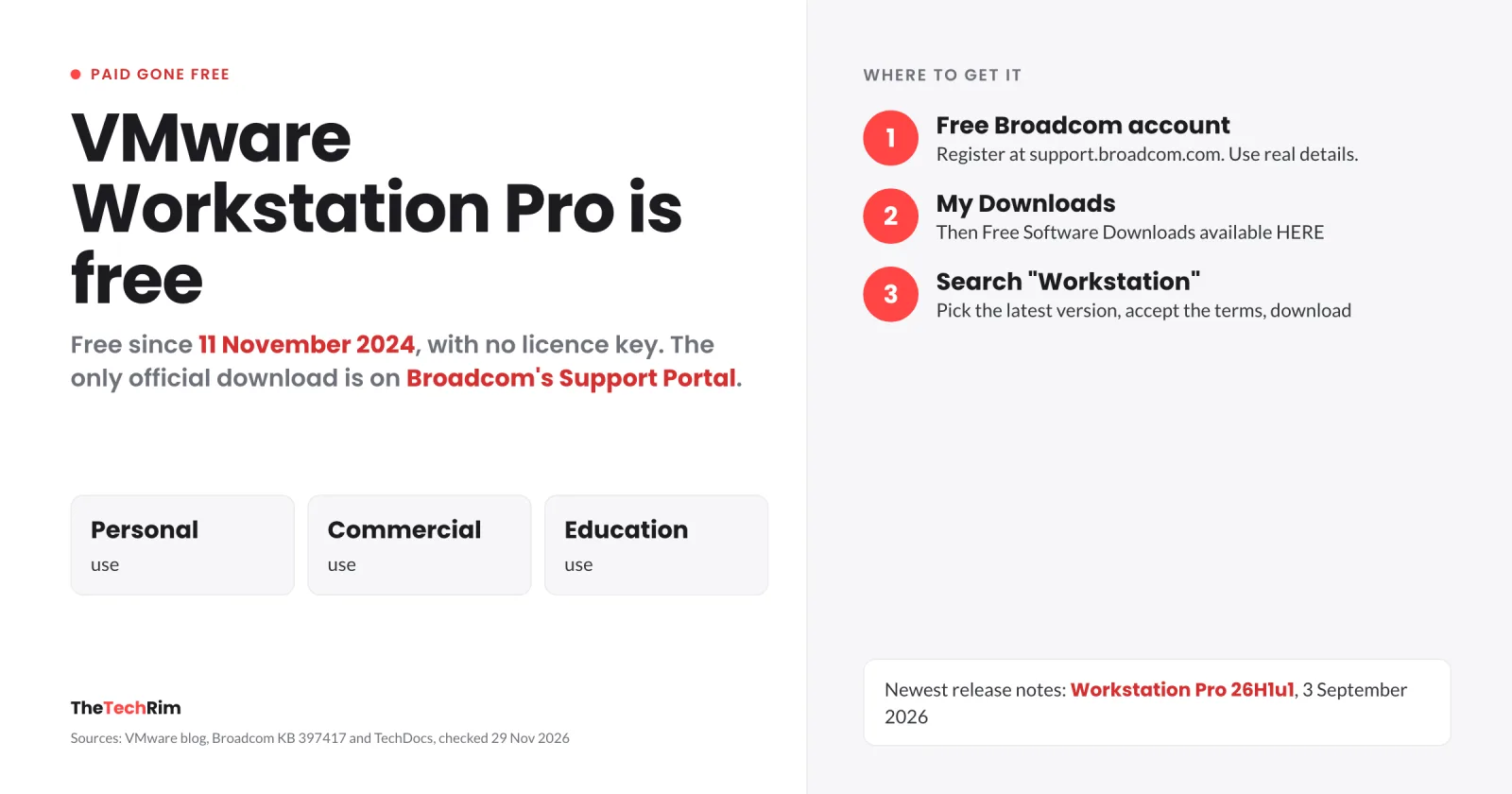
Yes. VMware Workstation Pro is free for everyone, for personal, educational and commercial use, and has been since Broadcom made it free on 11 November 2024. There is no paid Pro licence left to buy and no licence key to enter. The only official download is on the Broadcom Support Portal, which needs a free Broadcom account and an export compliance check before the download button works.
Every fact below comes from Broadcom's own announcement, FAQ, knowledge base and TechDocs pages, checked on 29 November 2026. The newest release notes on TechDocs are for Workstation Pro 26H1u1, released on 3 September 2026 (build 25688693).
| Item | Free Workstation Pro |
|---|---|
| Price | Free for personal, educational and commercial use |
| Licence key | Not needed on current versions |
| Features | Everything from the old paid Pro edition, including snapshots, encryption, vTPM and Secure Boot |
| Updates | Broadcom says updates and security patches will continue. You download them by hand. |
| Support | No support tickets, phone or live chat. Broadcom points free users to its community forums, knowledge base and docs. |
| Host systems | Windows and Linux on 64-bit Intel and AMD PCs. No macOS version (that is Fusion Pro). |
| Workstation Player | End of sale on 30 April 2024. No longer available for purchase or download. |
How to download VMware Workstation Pro for free
Broadcom's article Downloading Free Software from the Broadcom Support Portal (KB 397417) gives the current download steps. It says you need no site ID, no corporate email address and no paid subscription, only a free basic account. The sign-up steps follow KB 145581, and the division and search steps follow KB 368734.
- Go to support.broadcom.com and click Register in the upper-right corner. If you already have an account, click Login and go to step 4.
- Enter your email address, complete the captcha and click Next. Type in the verification code Broadcom emails you and click Verify & Continue.
- Enter your basic information, accept the Terms of Use and click Create Account. Use accurate details, including your address and country: Broadcom warns that "dummy data" will most likely fail its export compliance screening.
- Sign in. If the portal shows a division dropdown, choose VMware Cloud Foundation. From My Dashboard, open My Downloads and click Free Software Downloads available HERE.
- Type "Workstation" in the search box and click Show Results. Click the product name (KB 397417 lists it as VMware Workstation Pro) and choose the latest version.
- Click the Terms and Conditions link, read the agreement, then go back to the download page and tick the checkbox. If it stays grey, Broadcom suggests refreshing the page or trying another browser.
- Click the Download icon. If a pop-up says "Prior to downloading this file, additional verification is required", click Yes and fill in the form in English characters, with no special characters.
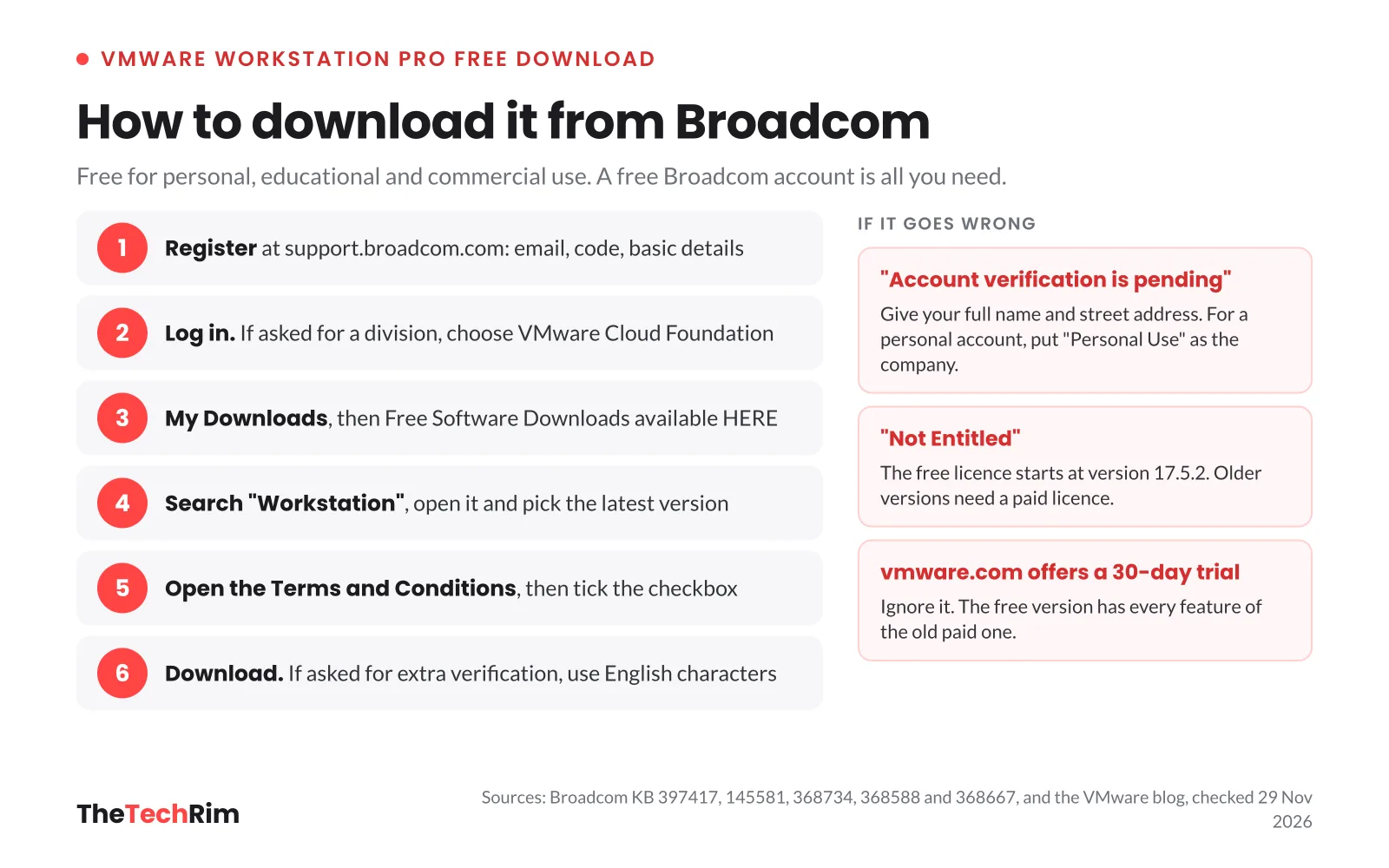
Broadcom also gives a direct link to the Workstation Pro free downloads in KB 368667. If you are not logged in, it opens the Broadcom sign-in page first.
Plan for a wait. KB 397417 says you can start "in just a few minutes", but Broadcom's older KB 368734 says profile screening "can take several weeks", depending on the queue.
Installing Workstation Pro and the first run
System requirements
- Processor: a compatible 64-bit x86/AMD64 CPU launched in 2011 or later. To run 64-bit guest systems the CPU needs Intel VT-x or AMD-V, and on an Intel PC VT-x must be switched on in the BIOS.
- Memory: 2 GB of RAM minimum, 4 GB or more recommended, plus what each guest system and its apps need.
- Disk: about 2.5 GB free for a basic install, and at least 1 GB recommended for each guest system and its software.
- Host system: Windows 10 (20H1 or later), Windows 11, Windows Server 2022 or 2025, or a listed Linux release such as Ubuntu 24.04 or 26.04, Debian 12 or 13, Fedora 43 or 44, or RHEL 9 or 10. Broadcom keeps the full list in KB 315653.
On Windows
Sign in as the Administrator user or a member of the local Administrators group, double-click the VMware-workstation-xxxx-xxxxxxx.exe file and follow the prompts. You might need to restart the PC to finish. The first time you start Workstation Pro it asks you to accept the End User License Agreement. The 26H1 and 26H1u1 release notes say you no longer need a licence key.
If Hyper-V is turned on, or a Windows feature built on it such as virtualization-based security, Workstation Pro runs virtual machines through the Windows Hypervisor Platform instead of its own hypervisor. That mode needs Windows 10 20H1 build 19041.264 or newer.
On Linux
You need root access. Log in with the user name you will use for Workstation Pro, become root, change to the folder that holds the installer and run the bundle. Broadcom's examples are:
su rootsh VMware-Workstation-xxxx-xxxxxxx.architecture.bundle [--option]Here xxxx-xxxxxxx is the version and build number and architecture is x86_64. During the install you accept the OVF Tool licence agreement, and on first launch a dialog asks you to accept the EULAs. Start Workstation Pro as your normal user, not root:
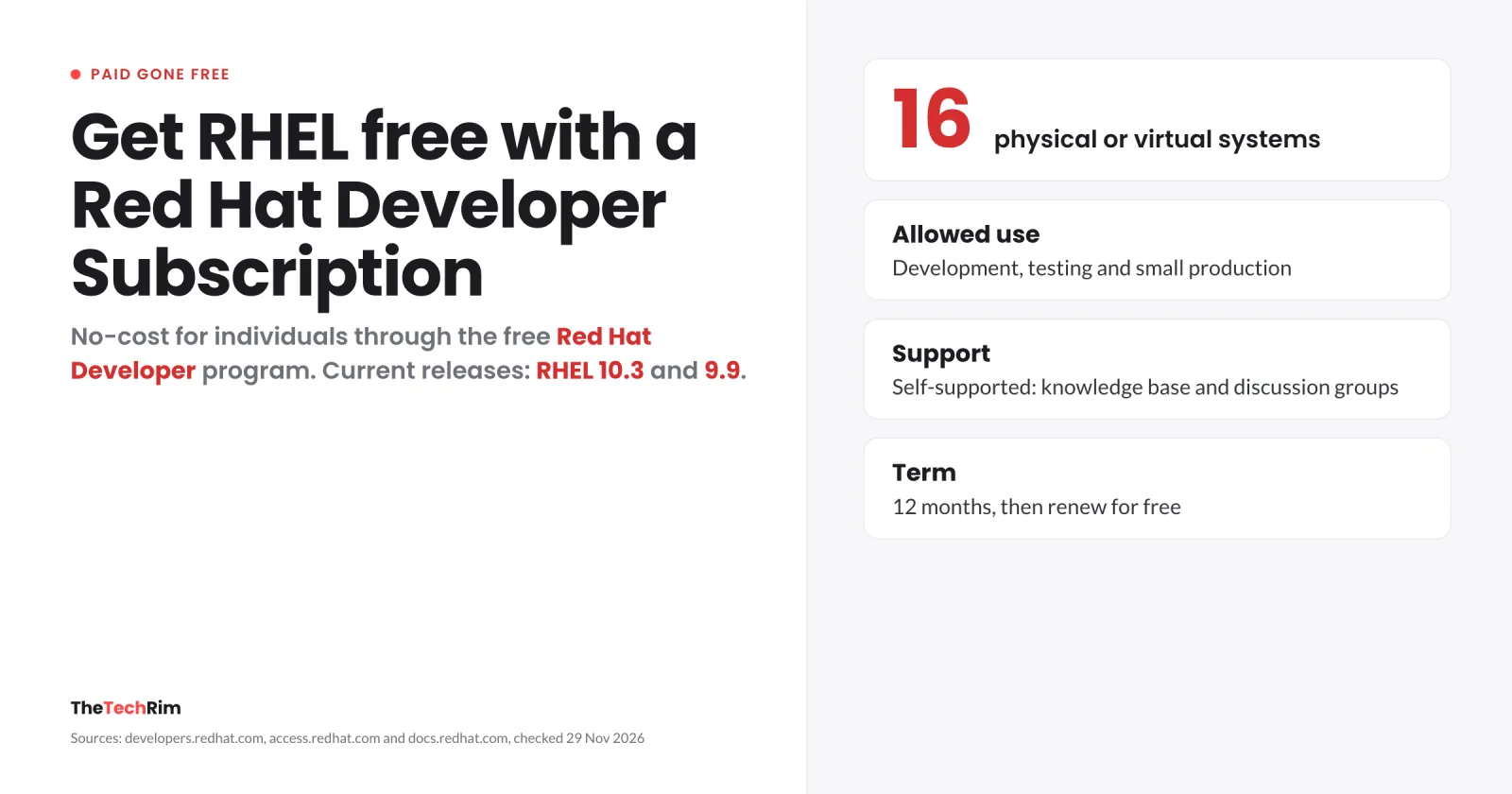
vmware &Workstation 25H2 added Red Hat Enterprise Linux 10 to its guest operating systems. You can get RHEL free with a Red Hat Developer Subscription and run it in a Workstation virtual machine.
Common snags
vmware.com still offers a "30-day trial"
vmware.com's own Workstation Pro evaluation page still says "Start your free, fully functional 30-day trial today", shows VMware Workstation 17 Pro, and offers no download button, only CONTACT SALES. You do not need a trial: the free version includes every feature of the old paid one. Broadcom's November 2024 announcement says the paid versions are no longer available for purchase. The DOWNLOAD NOW buttons on vmware.com's product page lead to the Support Portal instead.
"Account verification is pending"
Broadcom has not yet cleared your profile in its trade compliance screening. KB 368588 lists causes such as initials or partial names, incomplete addresses, P.O. boxes and non-English characters. Its fix: on the trade compliance form, give your full name and full street address, put "Personal Use" under Company Name for a personal account, use English characters only, and submit. If it still fails, contact Broadcom Customer Care.
"Not Entitled" on an older version
The free licence starts at Workstation Pro 17.5.2. KB 368667 says you get a "Not Entitled" error if you try to download anything older without a valid licence.
Check for updates fails on an older build
Broadcom deprecated the update address the built-in updater used (softwareupdate.vmware.com), which made the updater in older builds fail with connection errors. Broadcom's release notes say Workstation Pro 25H2u1 (26 February 2026) re-enabled the Check for updates option. On an older build, download each new version by hand from the portal.
VMware Fusion Pro for Mac
Workstation Pro does not run on macOS. Its Mac counterpart, Fusion Pro, became free on the same day and on the same terms, and its newest release notes are for Fusion Pro 26H1u1, also dated 3 September 2026. Download it from the same portal by searching for "Fusion".
- Fusion Pro 25H2 and later need any Mac that officially supports macOS 15 Sequoia or later, with at least 8 GB of memory (16 GB or more recommended for several virtual machines).
- Allow 1.5 GB of free disk space for Fusion Pro and at least 5 GB for each virtual machine.
- It runs on Intel and Apple silicon Macs. On Apple silicon it supports Windows 11 for Arm and many Linux distributions, though not every x86 guest feature.
- Install it like other Mac apps: open the .dmg file, double-click the installer and type your administrator name and password. Fusion Pro does not include any operating systems, so you supply the installation media.
FAQ
Is VMware Workstation Pro free for commercial use?
Yes. Broadcom's announcement covers "commercial, educational, and personal users alike", and its FAQ says no subscription or licence key is required. Companies with an existing paid contract keep their support until the term ends.
Do I need a licence key?
No. Broadcom's FAQ says the latest versions include the licence automatically, with no key to enter and no usage type to select. If an older free build does ask for a key, KB 368667 says it offers a Personal Use option for the free version.
Is VMware Workstation Player still available?
No. Workstation Player reached end of sale on 30 April 2024 and is no longer available for purchase or download. Broadcom says the free Pro edition replaces it.
Can I download Workstation Pro without a Broadcom account?
Not from Broadcom. KB 368734 says "You must be a registered user on the Broadcom Support Portal." Third-party download sites are not Broadcom locations.
Does VMware Workstation Pro run on a Mac or an Arm PC?
Not on a Mac: use Fusion Pro there. Broadcom lists Workstation Pro only for 64-bit Intel and AMD PCs running Windows or Linux, so Arm-based Windows laptops are not on the list.